
Everything in ChordsBook
By Harmonology Labs
From your first chord to the last song of the night — here's everything you can do inside ChordsBook.

Songs & Chords
Browse, Learn & Play
The songbook itself: a curated library, your own chord versions, interactive diagrams and AI that finds anything you can name.
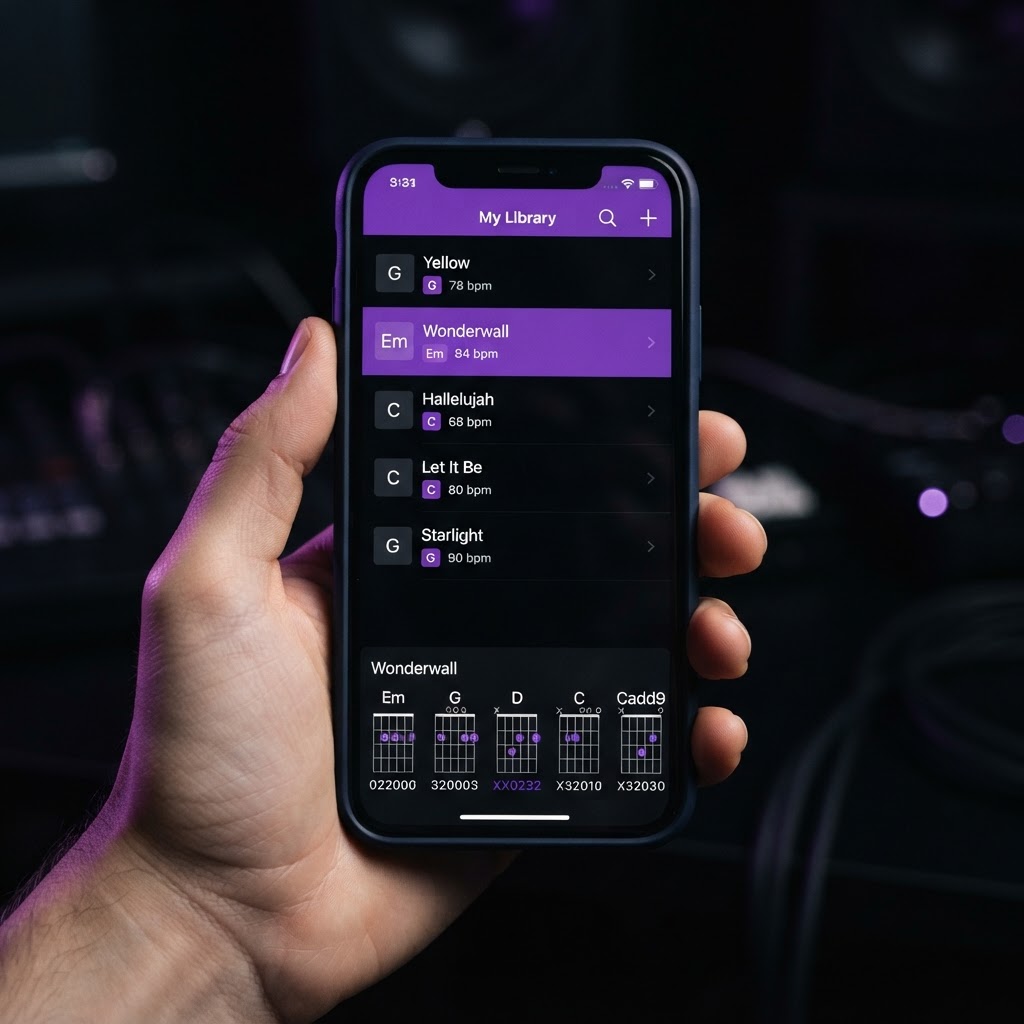
Browse Songs
Search a curated library of songs with key, tempo, time signature and difficulty, and filter by region, genre, key or tempo.
Make Setlists
Build setlists for gigs, rehearsals and practice nights, and keep them saved to your account.
Edit Song Details
Admins can rename a song in place and update its key, tempo, time signature, chords and lyrics to keep the library accurate.
Have Your Own Chords
Save your own version of a song's chords — simplified, re-voiced or rebuilt from scratch — and switch to it in your setlists.
Chord Diagrams for Keys & Guitar
Every chord drawn out as an interactive diagram: flip between guitar and keyboard, choose inversions or slash chords, and hear them play.
Spice Up Chords
Let the Harmonology Labs AI enrich a plain progression with richer voicings and passing chords, then keep it as your own version.
Add Songs with Harmonology Labs AI
Can't find a song? Our AI engine curates it from online sources — key, tempo, chords and lyrics included — and adds it to the library.
On-Screen Keyboard
Explore chords, inversions and voicings on an on-screen piano, with optional MIDI keyboard support.
Setlists
Built for the Stage
Setlists that keep a whole band on the same page — from rehearsal planning to performance night.
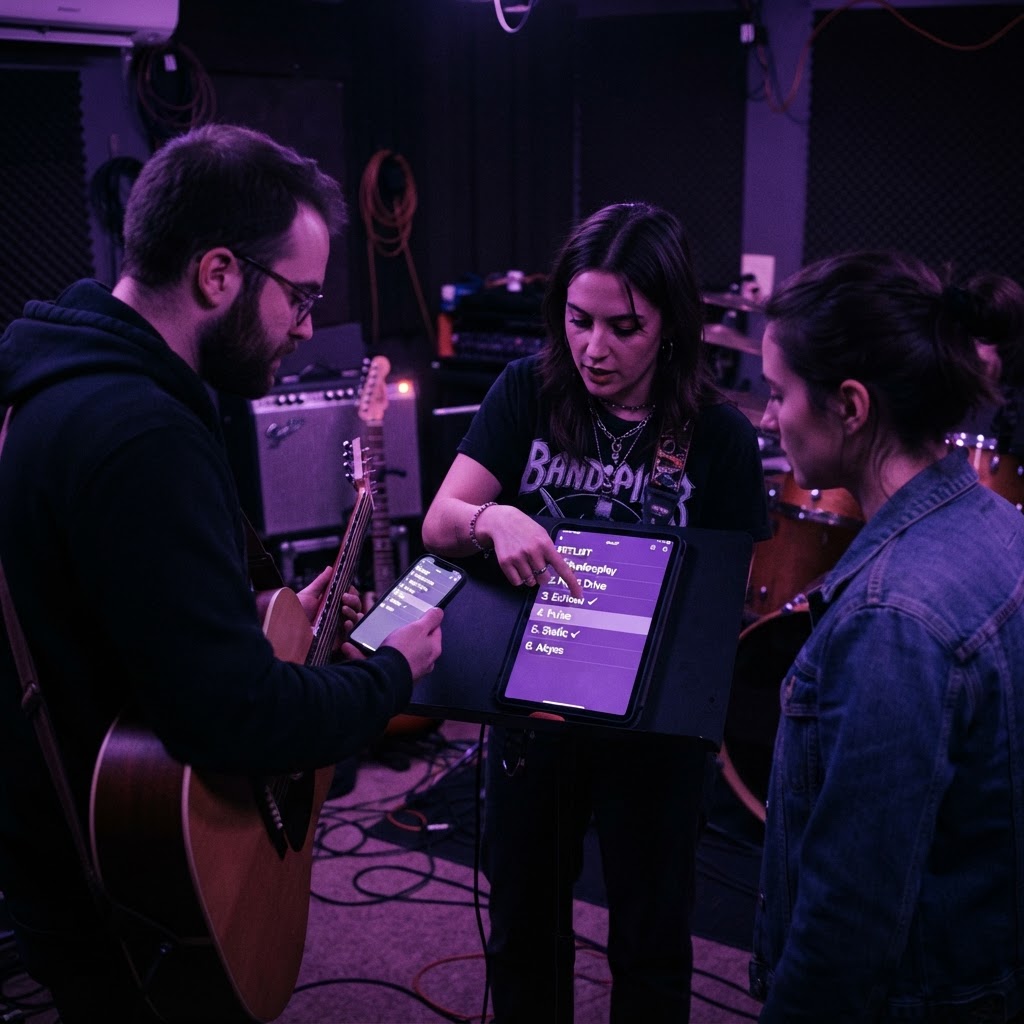
Individual Songs or Grouped Medleys
Play songs one by one, or group them into medleys that stay together and move as a single block.
Chord Diagrams for Keys & Guitar
See each song's chords as guitar or keyboard diagrams right inside the setlist — no switching screens mid-show.
Collapsed / Expanded View
Collapse each song to a compact line showing key and tempo, or expand it for full diagrams and notes. Your choice is remembered.
Share with Band Members
Send a read-only link so the whole band can follow the setlist on their phones, in the order you play it.
Add Songs with Harmonology Labs AI
Add any song by searching online with AI, straight from inside a setlist, without leaving your flow.
Live Chat with Band Members
Stay in sync with a built-in chat that runs alongside the setlist while you play.
Performance Mode
Tick songs off as you play — progress, completed songs and the next song stay live on every connected screen.
Duplicate Setlist
Copy a setlist with its songs, medleys and running order as the starting point for your next gig.
Make a Member Co-Leader
Give a band member Co-Leader access so they can edit the setlist, reorder songs and make changes with you.